

Cash comes in.
Clarity follows.
Customer payments, cash receipts, and bank reconciliation. Bring them together in Vista, with less searching and more certainty.
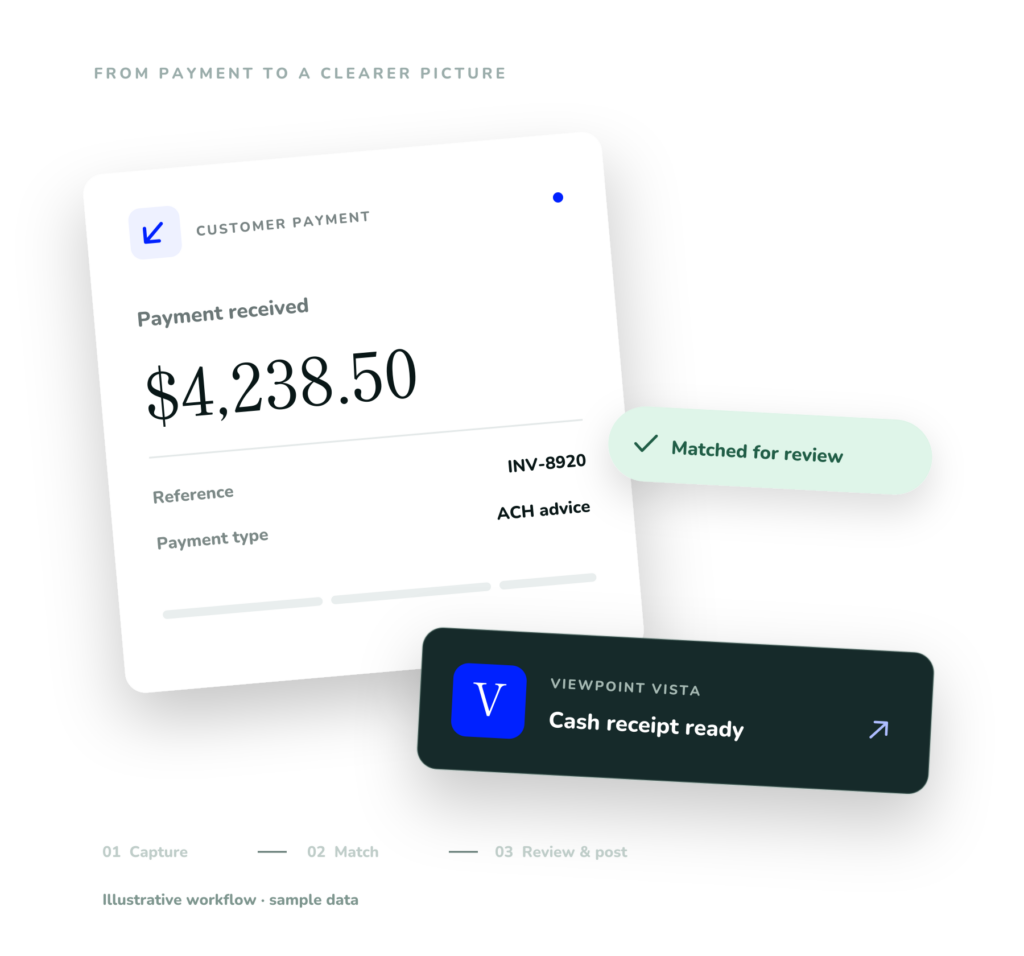
Money has arrived.
The manual work hasn’t.
A payment is only the beginning. Your team still has to identify the customer, apply the cash, and explain every difference between the bank and your books.
Who paid?
A remittance name doesn’t quite match the customer in Vista. Finding the right account becomes another search.
What does it cover?
Invoice references, payment amounts, and open balances need to come together before cash can be applied.
Why won’t it tie?
A bank statement and a ledger tell different stories. Your team needs to see the difference, then resolve it.
From incoming cash
to a reconciled account.
Bank Wizard connects the work of Accounts Receivable and Cash Management with the Vista records your team already uses.
Customer Cash Receipts
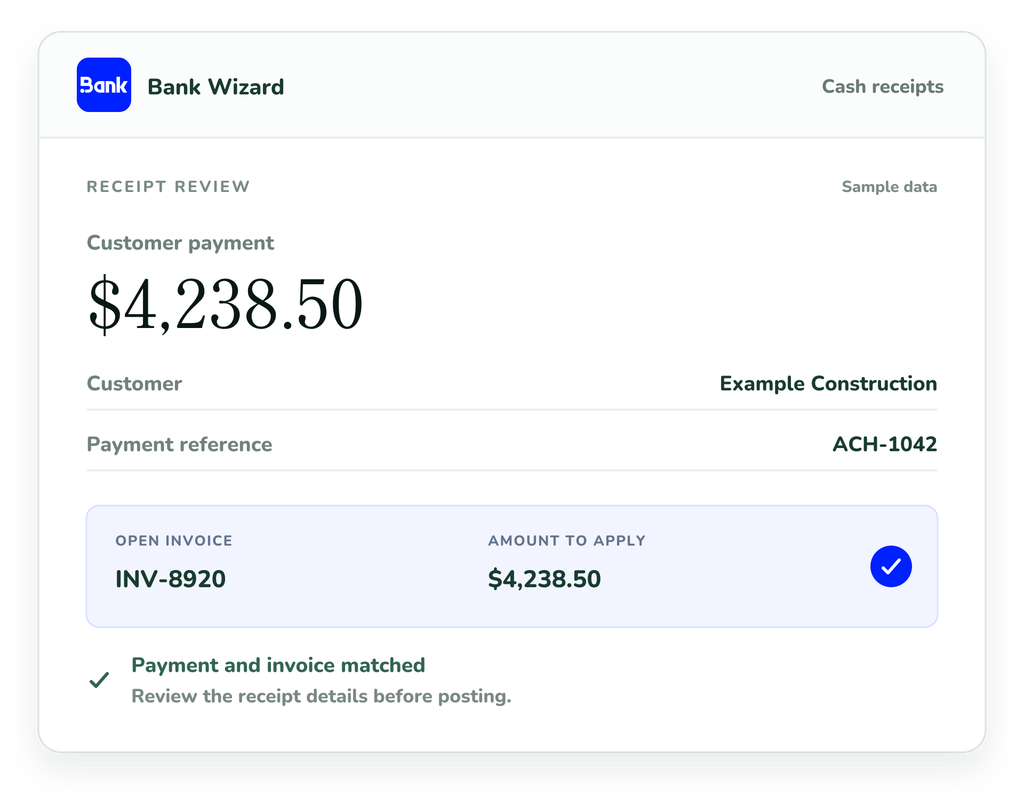
From “who paid?” to ready for review. Bank Wizard turns emailed remittances and scanned checks into a guided cash-receipt workflow. Bank Wizard helps find the customer and match payments to open invoices in Vista.
Bank Reconciliation
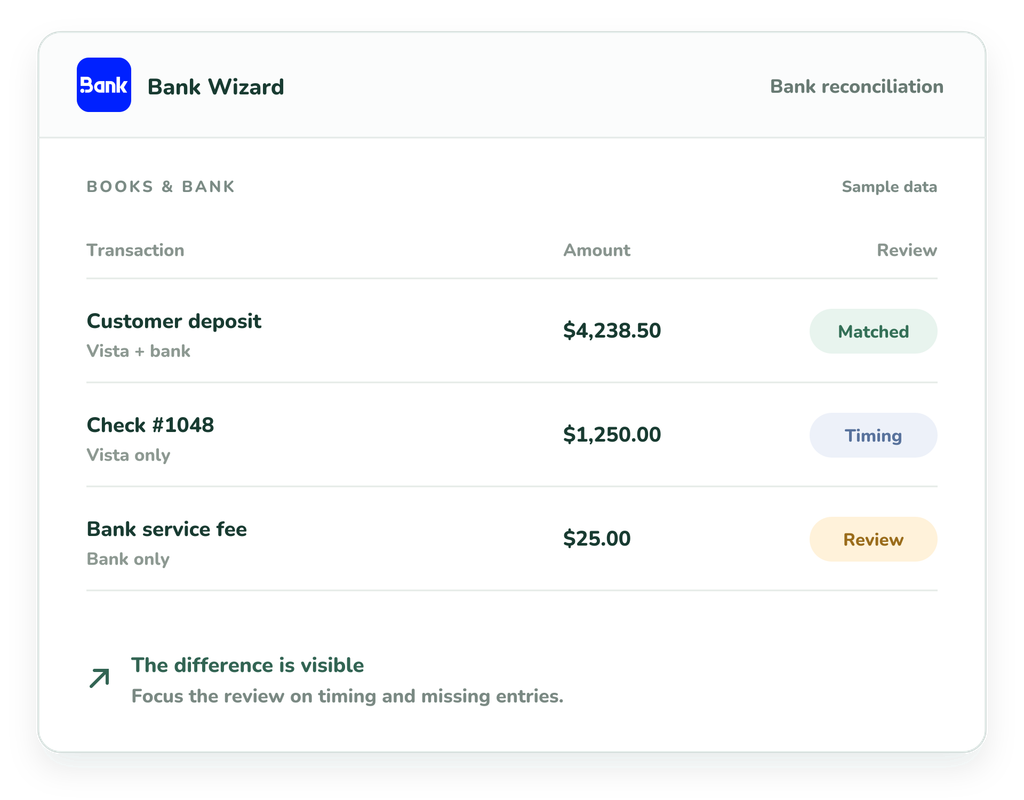
See what matches. Focus on what doesn’t. Bank Wizard has a clear way to bring bank statement activity alongside Vista’s cash records. Match checks, EFTs, and grouped deposits, then work through the items that need your attention.
Less searching.
A clearer next step.
Keep the source payment, matching context, and receipt details connected as your team moves from intake to posting.
01
Capture payment details
Bring emailed remittances and scanned checks into one workflow. Bank Wizard captures payment details so your team can start with less manual entry.
02
Match customers & invoices
Identify customers and match payments to open invoices in Vista, even when names differ. Invoice references and amounts help connect each payment.
03
Review with confidence
Review suggested matches and receipt details before posting. Your team stays in control, with a clear view of the items that need attention.
04
Post receipts to Vista
Post reviewed cash receipts to Vista without re-entering the same details. Keep customer payments moving and your records ready for reconciliation.

AP Wizard
Ready to Take the Manual
Work Out of AP?
Connect your AP inbox to Vista with Olsen’s AP Wizard and simplify invoice and statement processing.
Reduce manual data entry, streamline approvals, and keep your team focused on the invoices that need attention. Built for construction finance teams who want less paperwork and more control.
What you can expect from Bank Wizard
Simplify customer payments and bank reconciliation in Vista, with less manual entry, clearer matches, and control over every posting.



See what else we can do
We offer more than just e-signatures. Explore how we can streamline your workflows, connect your systems, and support your team across your entire process.